
Install the cig.chat card in monday.com
The cig.chat item card finds a phone number on any item, in any column or in the item name, and opens the contact's chat inside the card.
Requirements
- A cig.chat environment with the CRM environment add-on active. Order it at portal.cig.chat/billing/services.
- The person using the card is added as an extension user of the environment on the portal extension page and approved there: portal.cig.chat/extension.
- A monday.com account where the person can install apps.
Steps
Install the app
Open the install link. The monday permission screen asks for approval, and the app is then installed in the account.
Add the view to an item
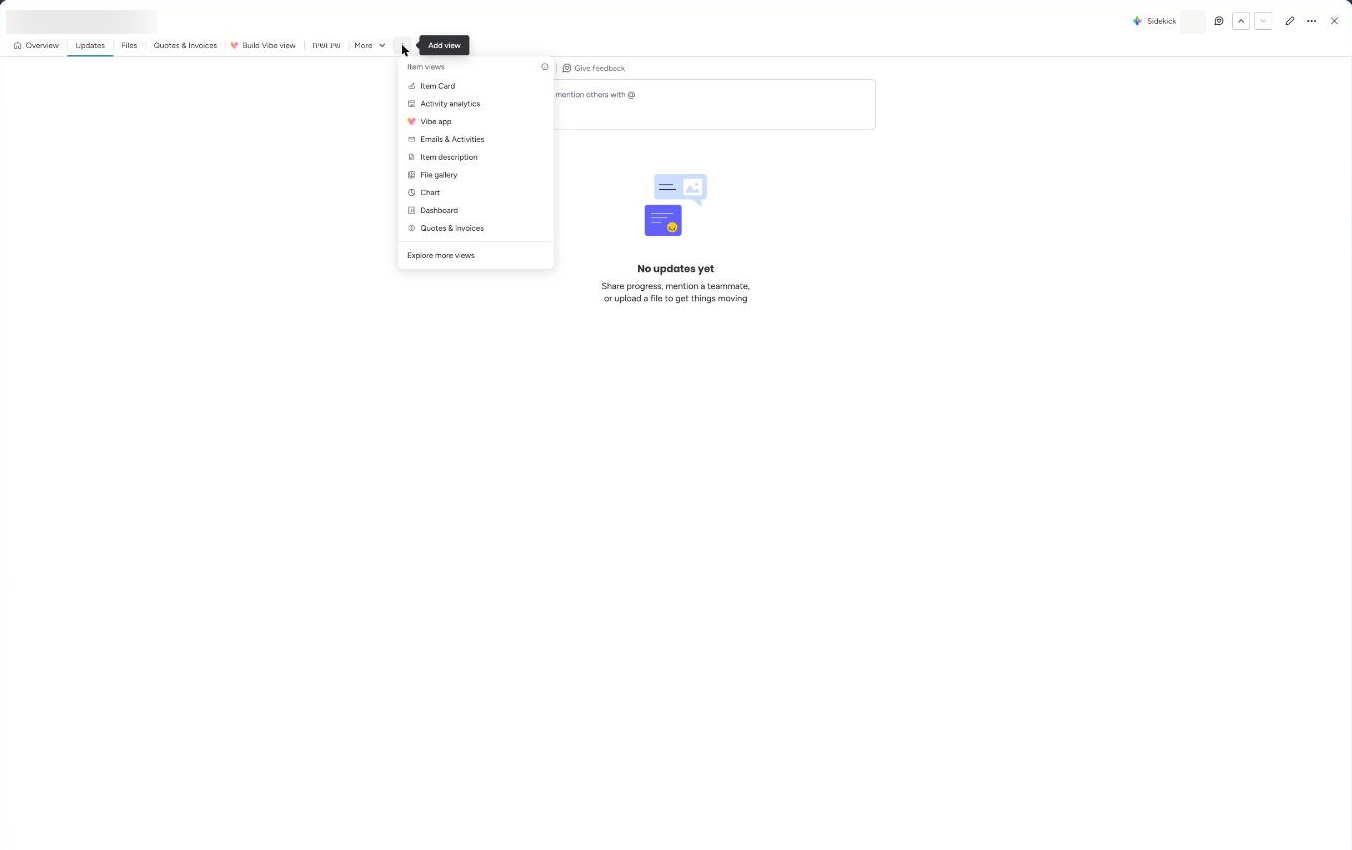
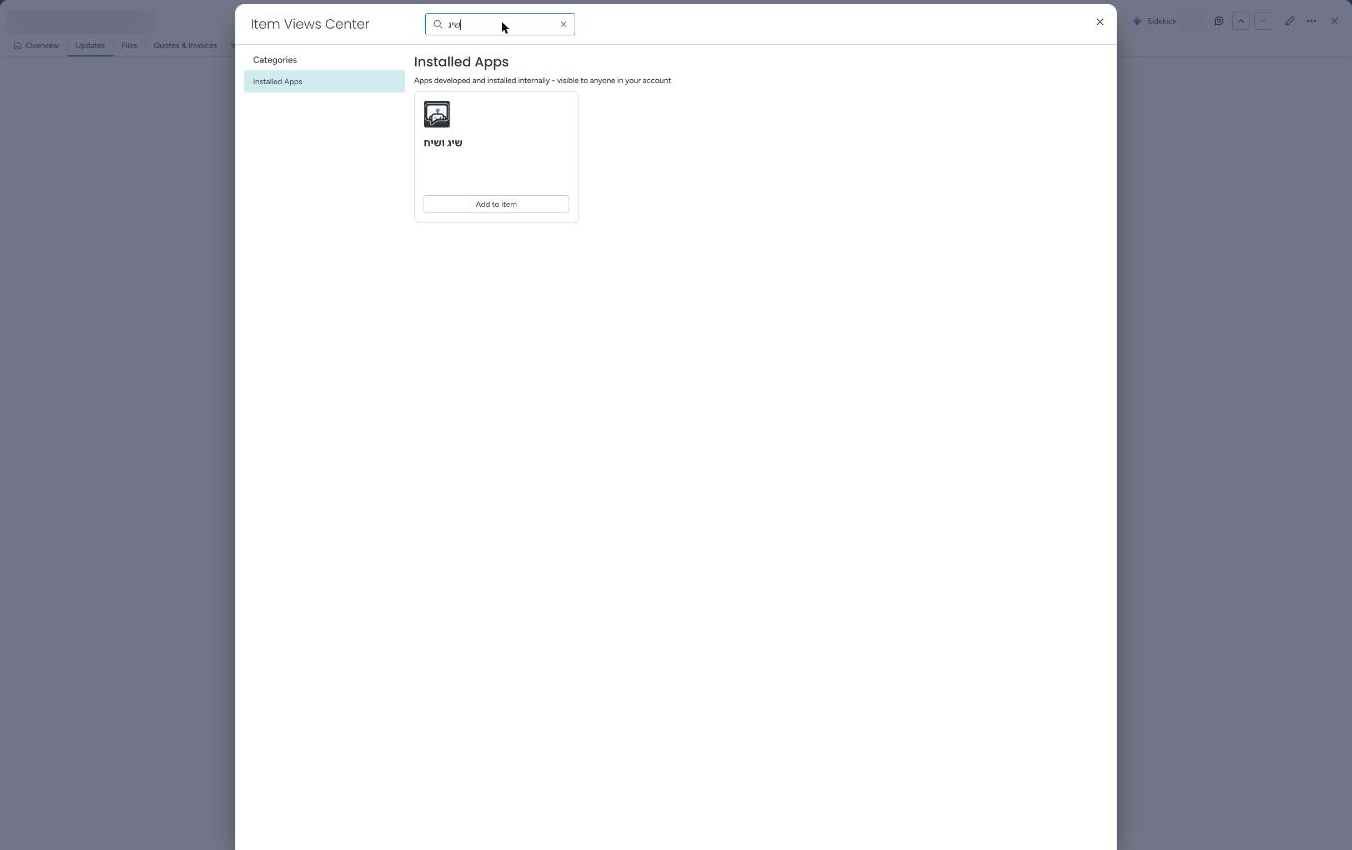
Open any item, press + in the item card tabs, choose Explore more views, search for שיג ושיח and press Add to item.
Sign in
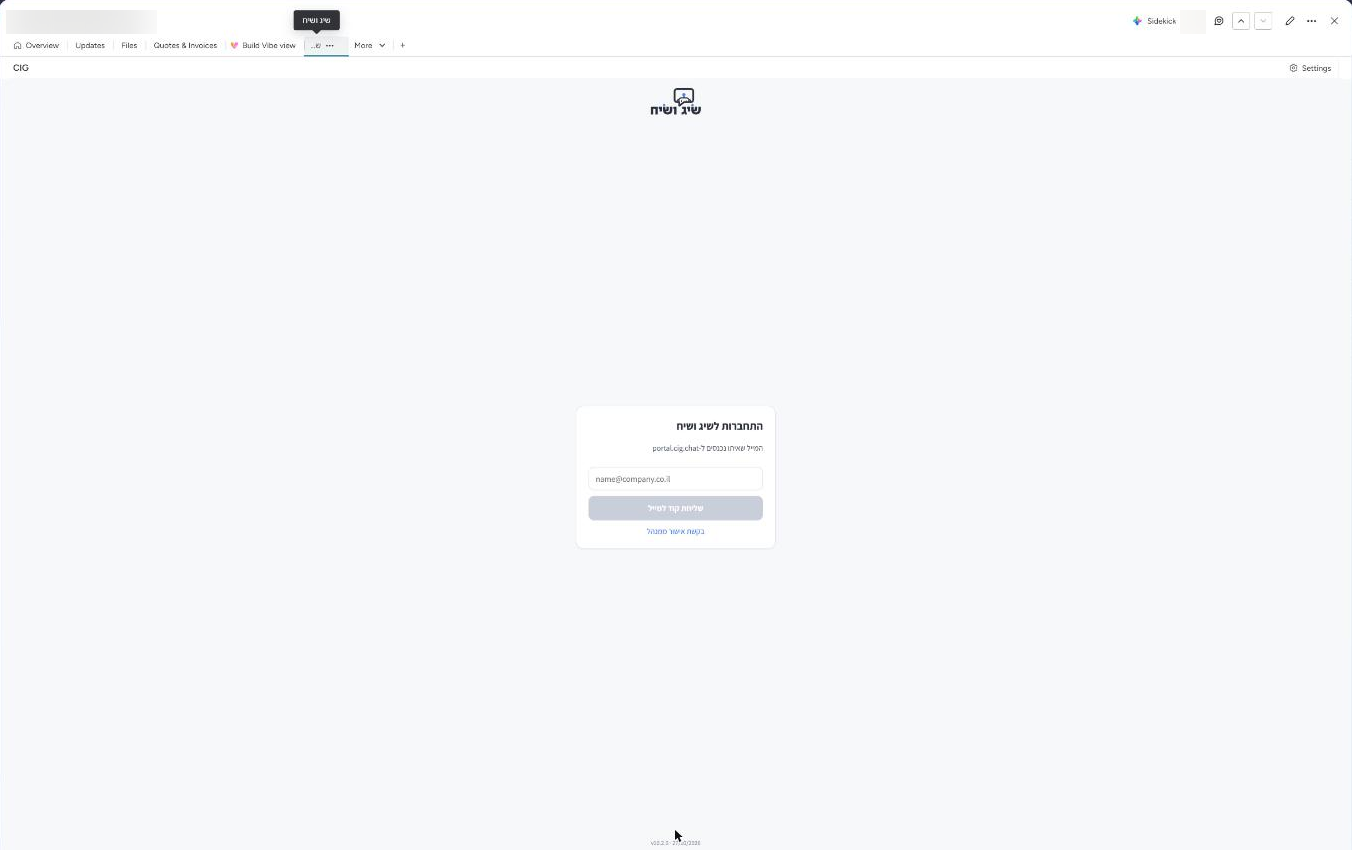
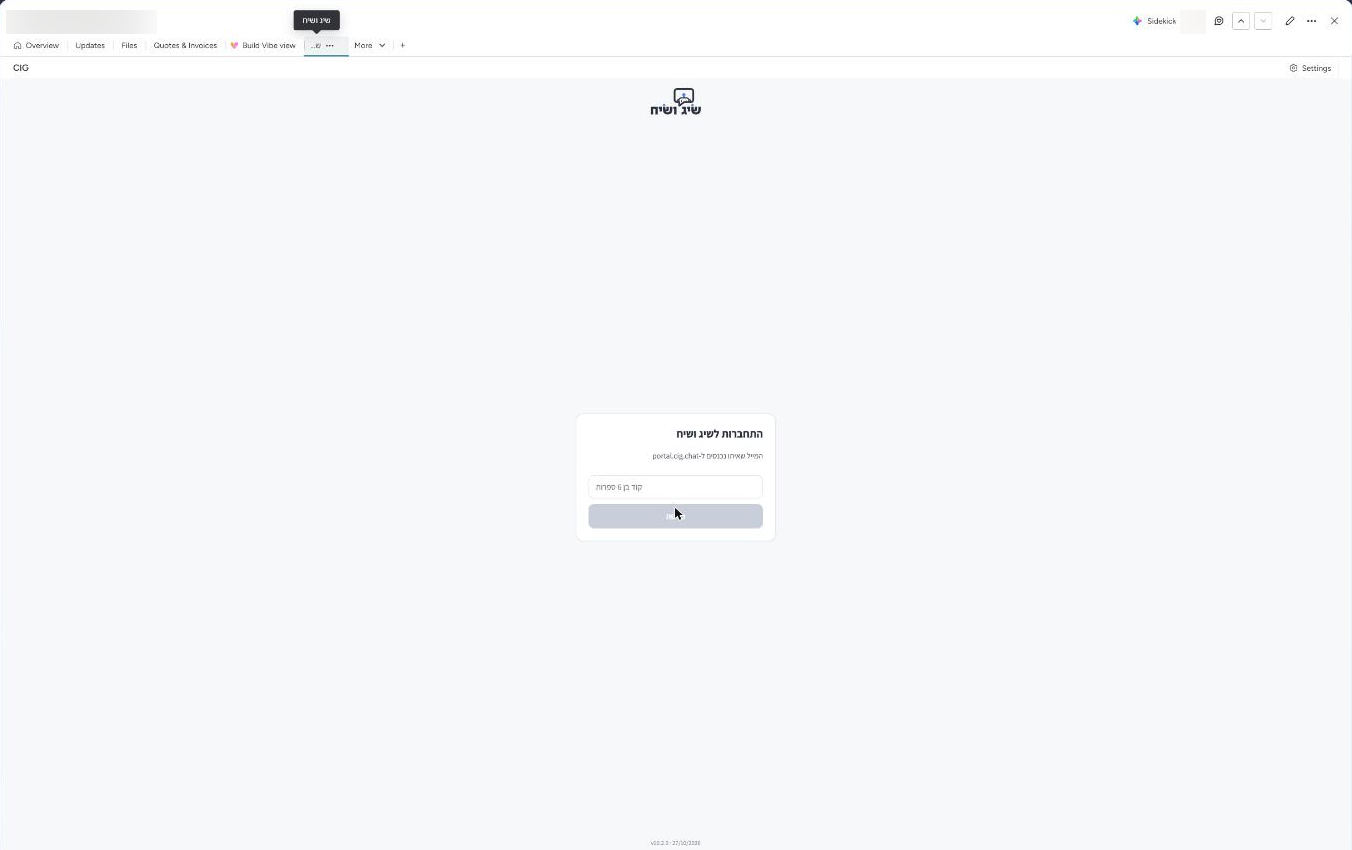
Enter the email used on portal.cig.chat, press send code, and enter the 6-digit code from the email. The code is valid for 10 minutes. You can also ask for admin approval. Sign-in is per person and stays until sign-out.
Use the card
The card shows the numbers found on the item, mobile numbers first, and you can switch between them. If the environment has several channels, a channel dropdown appears too. The chat opens inside the card. In the example the conversation is blurred.
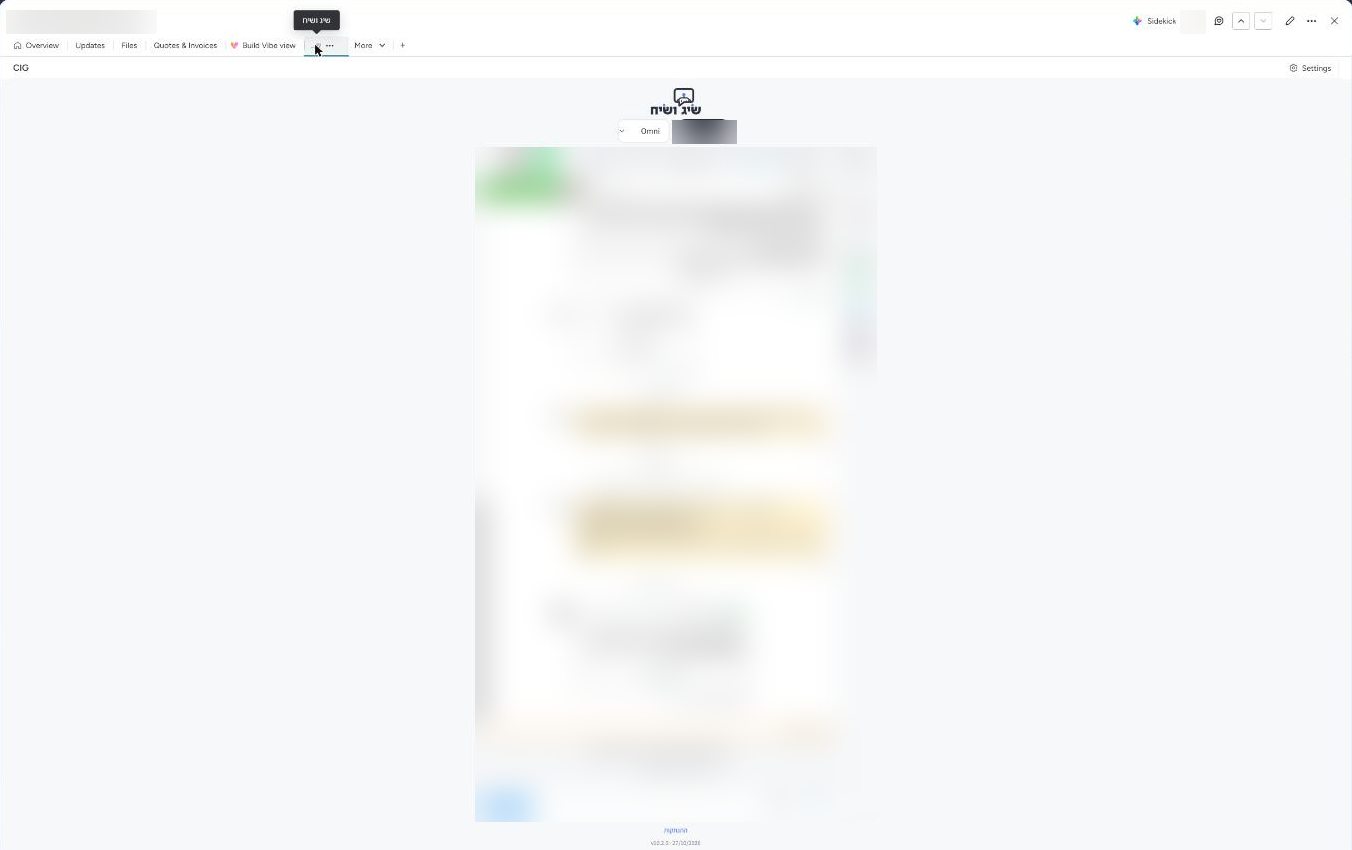
If the number has no contact yet, the portal settings decide what happens: the contact is created automatically, a create button appears, or a notice says no contact exists.
Sign out
The התנתקות (sign out) link at the bottom of the card ends the user's sign-in.
Privacy
To find the chat, the card sends the phone number and the monday user id to cig.chat. The platform access tokens never reach monday.
Troubleshooting
- "התוסף לסביבת CRM לא פעיל בחשבון שלך" (the CRM add-on is not active on your account) - the add-on was not ordered. Order it at portal.cig.chat/billing/services.
- "ממתין לאישור מנהל בפורטל" (waiting for admin approval in the portal) - the user is not yet approved on the portal extension page.
- "לא נמצא מספר טלפון" (no phone number found) - no column and no item name holds a phone number.
- The code does not arrive - check the spam folder. The limit is 3 codes per 10 minutes.